Switches & Sockets
- Featured
- Most relevant
- Best selling
- Alphabetically, A-Z
- Alphabetically, Z-A
- Price, low to high
- Price, high to low
- Date, old to new
- Date, new to old
- Featured
- Most relevant
- Best selling
- Alphabetically, A-Z
- Alphabetically, Z-A
- Price, low to high
- Price, high to low
- Date, old to new
- Date, new to old
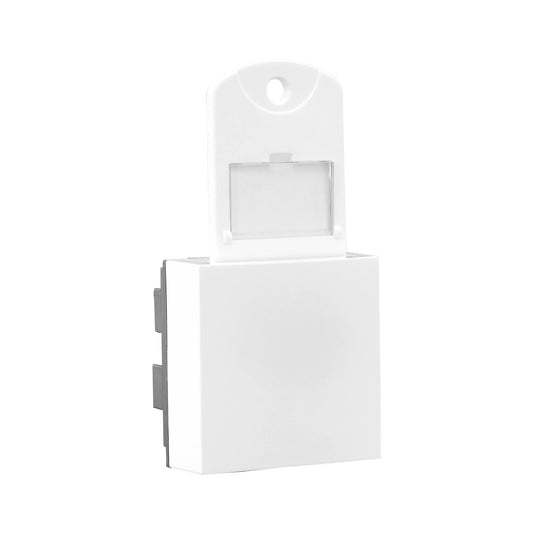
Legrand Allzy DP Key Tag Switch 32A 2Module White - 681117
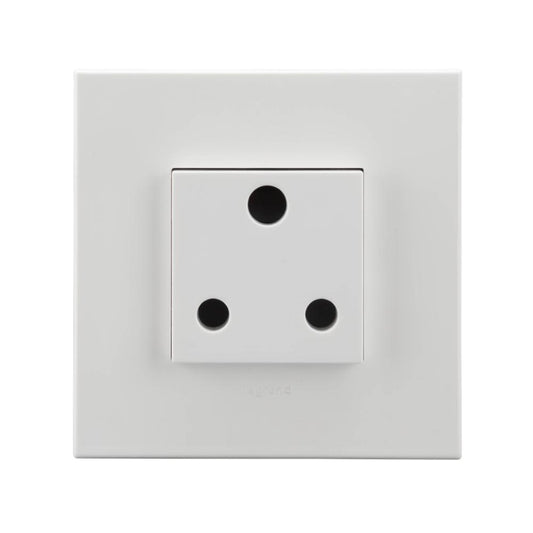
Legrand Arteor 25A Socket 2Module - 573466
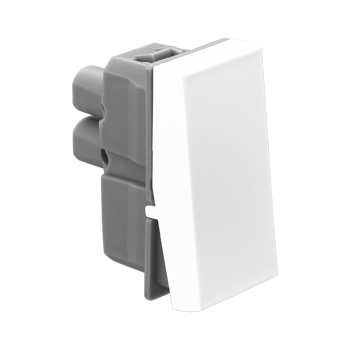
Legrand Allzy Switch 6A 1Way 1Module White - 681100
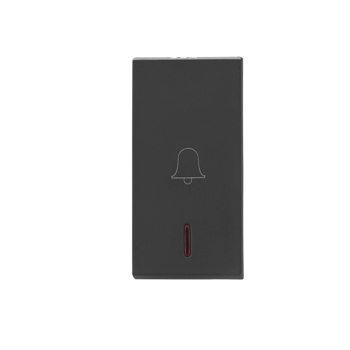
Legrand Allzy Bell Push Matt Black 6A 1Way with Indicator 1Module - 681210
Legrand Arteor Bell Ding Dong 2 Module Electronic Chime 230V – Cat No. 573443
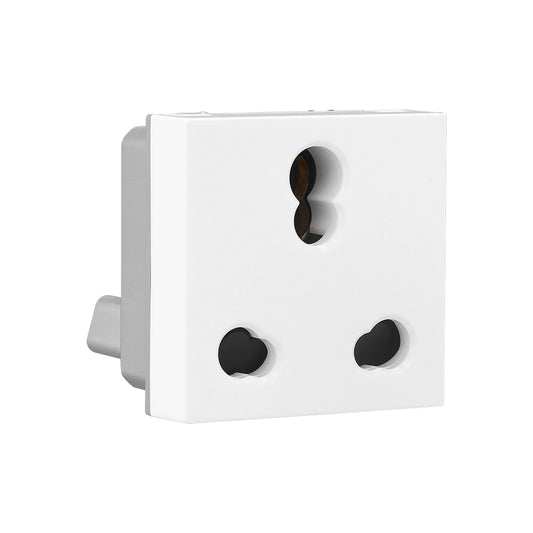
Legrand Allzy Socket with Shutter 6/16A 2Module White - 681122
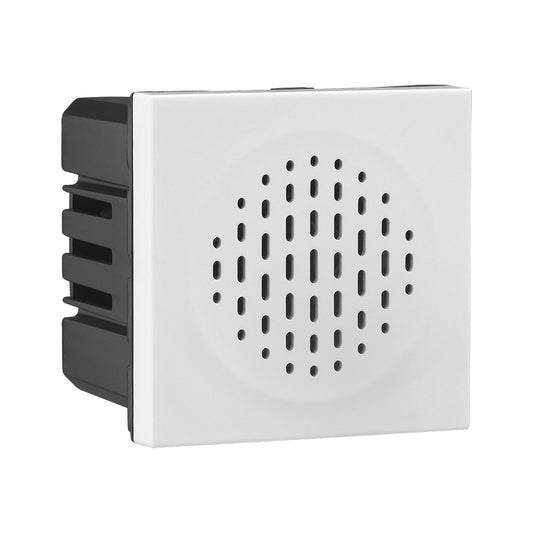
Legrand Allzy Electronic Bell 240V 2Module White - 681145
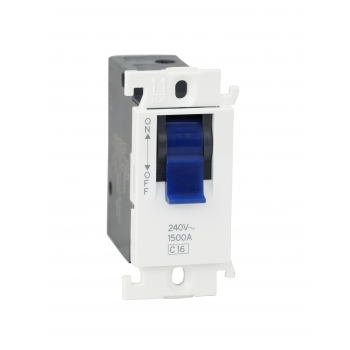
Legrand Mylinc 32A MODULAR MCB SP 1Module White - 675642
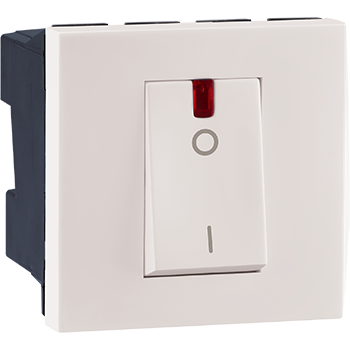
Legrand Myrius NEXTGEN 32A DP SWITCH with Indicator 2Module White - 679217
Legrand Allzy RJ45 Cat-6 UTP Socket 1Module White - 681132
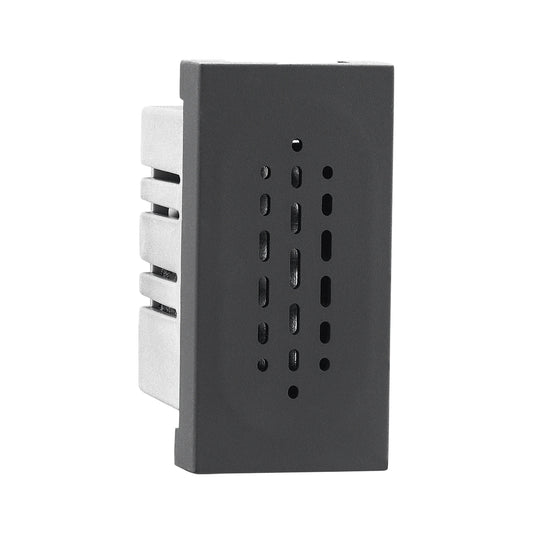
Legrand Allzy Buzzer Matt Black 230V 1Module - 681239
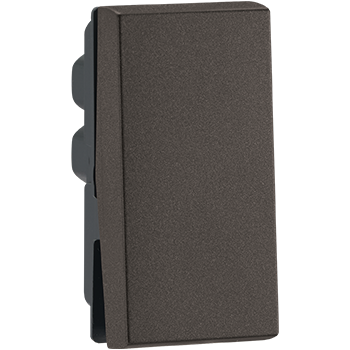
Legrand Myrius NEXTGEN 6A SWITCH 1Way 1Module Charcoal Grey - 679400
Sockets and Switches for Every Room, Load and Style
You touch a switch board dozens of times a day, and it stays on your wall for years. The right choice depends on three things: what each point will power, how many devices fit on the board, and how the finish looks with your interiors. This page walks you through all three.
What Are Modular Switches and Sockets?
Modular switches and sockets are individual devices that snap into a common frame and are finished with a cover plate. Each device takes up a set width called a module, so you can combine switches, sockets, regulators and USB ports on one board and replace any single piece later without changing the whole board.
Which Switch or Socket Do You Need?
| Device | What it does | Where it is used |
|---|---|---|
| One-way switch | Turns a light or appliance on and off from one point | Most rooms |
| Two-way switch | Controls one light from two points | Staircases, long corridors, bedrooms (door and bedside) |
| 6 A socket | Power point for low-load devices | Chargers, TV, lamps, routers |
| 16 A socket | Power point for high-load appliances | Geyser, microwave, refrigerator, washing machine |
| 20 A / 25 A socket | Power point for larger loads, as specified by the appliance maker | Large ACs and similar high-current appliances |
| Fan regulator | Controls fan speed | Bedrooms, living rooms, halls |
| Dimmer | Adjusts light brightness | Living and dining areas, bedrooms |
| USB socket | Charges phones and tablets without an adapter | Bedside, study desk, living room |
| Bell push / door chime | Doorbell button or chime unit | Main entrance |
| Data and AV sockets | Network and audio-video connections | Home office, TV wall, conference rooms |
| Weatherproof switch / socket | Protects against water and dust | Balconies, terraces, gardens |
| Hotel switches | Guest-room controls | Hotels and serviced apartments |
| Industrial plugs and sockets | Heavy-duty, often three-phase connections | Workshops, factories, construction sites |
Pairing tips: choose a regulator that suits your fan type, especially for big ceiling fans in halls, and check that dimmers are compatible with your decorative LED lights for home, since not every LED fitting is dimmable.
Which Socket Rating Does Your Appliance Need?
Use a 6 A socket for small electronics and a 16 A socket for heating and heavy kitchen appliances. Plugging a high-load appliance into a 6 A socket through an adapter overheats the socket and wiring.
| Appliance | Socket commonly used |
|---|---|
| Phone charger, laptop, TV, lamp, router | 6 A |
| Refrigerator, washing machine, microwave, iron | 16 A |
| Geyser, room heater, induction cooktop | 16 A (on its own circuit) |
| Air conditioner | 16 A, or 20 A / 25 A as specified for the model |
A hot and cool air conditioner runs through summer and winter, so give it a dedicated socket and circuit. Every socket is only as safe as what sits behind it: match the circuit wire to the socket rating using our guide to the best wire for house wiring, and protect each circuit with the right switchgear and protection.
How to Plan a Modular Switch Board
A modular switch board is planned in modules, not in the number of switches. Follow these steps for each board:
- List every point: lights, fans, sockets, USB, bell or data points this board will control.
- Pick each device: switch, socket rating, regulator or dimmer, as per the tables above.
- Add up the modules: switches usually take one module; sockets and regulators often take two or more. Check the module size on each product, as it varies by range.
- Choose the plate size: select the plate that fits your module total, and cover any unused space with blank modules.
- Match box, frame and plate: use a mounting box and frame of the same module size and range as the plate.
Worked Example: A Bedroom Switch Board
| Device | Quantity | Modules (example) |
|---|---|---|
| One-way switches (lights) | 3 | 3 |
| Fan switch + regulator | 1 + 1 | 1 + 2 |
| 6 A socket | 1 | 2 |
| USB charger | 1 | 1 |
| Total | 9 → use a 12-module plate with 3 blanks, leaving room for a future point |
Note: module sizes in this example are for illustration; always confirm them on the product page of your chosen range.
Mounting Boxes
Flush boxes sit inside the wall for concealed wiring and must be fixed before plastering. Surface boxes mount on the wall and suit renovations or wiring run through PVC cable trunking. In both cases, the box must match the module size of the plate.
Choosing Modular Switch Plate Covers
Modular switch plate covers decide how your board looks. In most modular ranges you can change the plate alone, as long as the new plate belongs to the same range and module size.
| Plate finish | Look | Best for |
|---|---|---|
| Polycarbonate (white / colours) | Clean, budget-friendly | Everyday rooms, rentals |
| Matt and textured finishes | Soft, fingerprint-resistant | Living rooms, bedrooms |
| Glass | Sleek, premium | Feature walls, modern interiors |
| Metal and metallic finishes | Bold, industrial or luxury | Statement spaces, hotels, offices |
| Wood and stone-look finishes | Warm, natural | Designer homes and boutique hotels |
Planning ahead for automation? Leave space on key boards for smart home devices such as smart switches or touch panels.
Room-by-Room Switch Board Checklist
| Room | Plan for |
|---|---|
| Living room | Dimmer for feature lights, fan regulator, TV / AV and data sockets, USB |
| Bedroom | Two-way switch (door and bedside), bedside USB, AC socket |
| Kitchen | 16 A sockets for appliances above the counter, separate points for chimney and refrigerator |
| Bathroom | Geyser switch outside the wet zone, 16 A socket for the geyser |
| Utility area | 16 A socket for the washing machine, away from water splashes |
| Balcony and terrace | Weatherproof switches and sockets |
| Home office | USB and data sockets, enough 6 A sockets for devices |
| Hotels and offices | Hotel switches for guest rooms, data and AV sockets in meeting spaces |
| Workshops and factories | Industrial plugs and sockets for heavy equipment |
Setting up a utility area? If you plan to buy a washing machine online, fix the 16 A socket position before tiling so the machine sits close to both the tap and the drain.
Safety Checks Before You Buy
- Look for the ISI mark on switches and sockets, and check the licence number in the BIS Care app.
- Choose shuttered sockets in homes with children; the shutters block objects from entering the socket.
- Match socket and plug ratings: a 16 A plug needs a 16 A socket.
- Protect wet areas: kitchen, bathroom and utility circuits should sit behind an RCCB.
- Tighten terminals properly during installation; loose connections cause heating and sparking.
Common Mistakes to Avoid
- Too few sockets: leads to multi-plug adapters and overloaded points.
- Using 6 A sockets for heavy appliances: causes overheating and melted sockets.
- Mixing ranges: plates, frames and devices from different ranges often do not fit together.
- No spare modules: leaves no space for a USB or smart switch later.
- Switches inside wet zones: keep bathroom switches outside the shower area.
Shop Sockets and Switches at MGCKART
MGCKART, by MK SR Electricals and Instrumentation Pvt Ltd, lists modular switches and sockets from Legrand (including the Allzy, Myrius NEXTGEN and Arteor ranges), Havells, Havells Crabtree and Lauritz Knudsen, alongside all electrical items for your project. Browse by product type:
- Modular switches, sockets and switch plates
- Fan regulators and dimmers
- USB sockets, data and AV accessories
- Door bells and chimes
- Weatherproof switches and hotel switches
- Mounting boxes and switch accessories
- Industrial plugs and sockets
Filter by brand, range, rating and colour to build a complete, matching board.
Frequently Asked Questions
Which socket is used for an AC?
A 16 A socket is common for most split ACs; larger models may need a 20 A or 25 A socket as specified by the manufacturer. The AC should have its own circuit.
What is the difference between a 6 A and a 16 A socket?
A 6 A socket is for low-load devices such as chargers and TVs. A 16 A socket is built for heavy appliances such as geysers, microwaves and washing machines.
Can I change only the switch plate cover?
Usually yes, if the new plate is from the same range and module size as your existing switches and frame.
How many modules do I need for a switch board?
Add up the modules of every device on the board, then choose the next plate size up and fill spare space with blank modules.
What is a two-way switch used for?
A two-way switch lets you control one light from two places, such as the top and bottom of a staircase.
Which switches are suitable for outdoor use?
Weatherproof switches and sockets, which are designed to resist water and dust.